Nexus Factory plans, builds, reviews, and merges. LaunchDarkly controls who sees each change. The flag exists, switched off, before the code lands.
In the product
Flags show up where the work happens
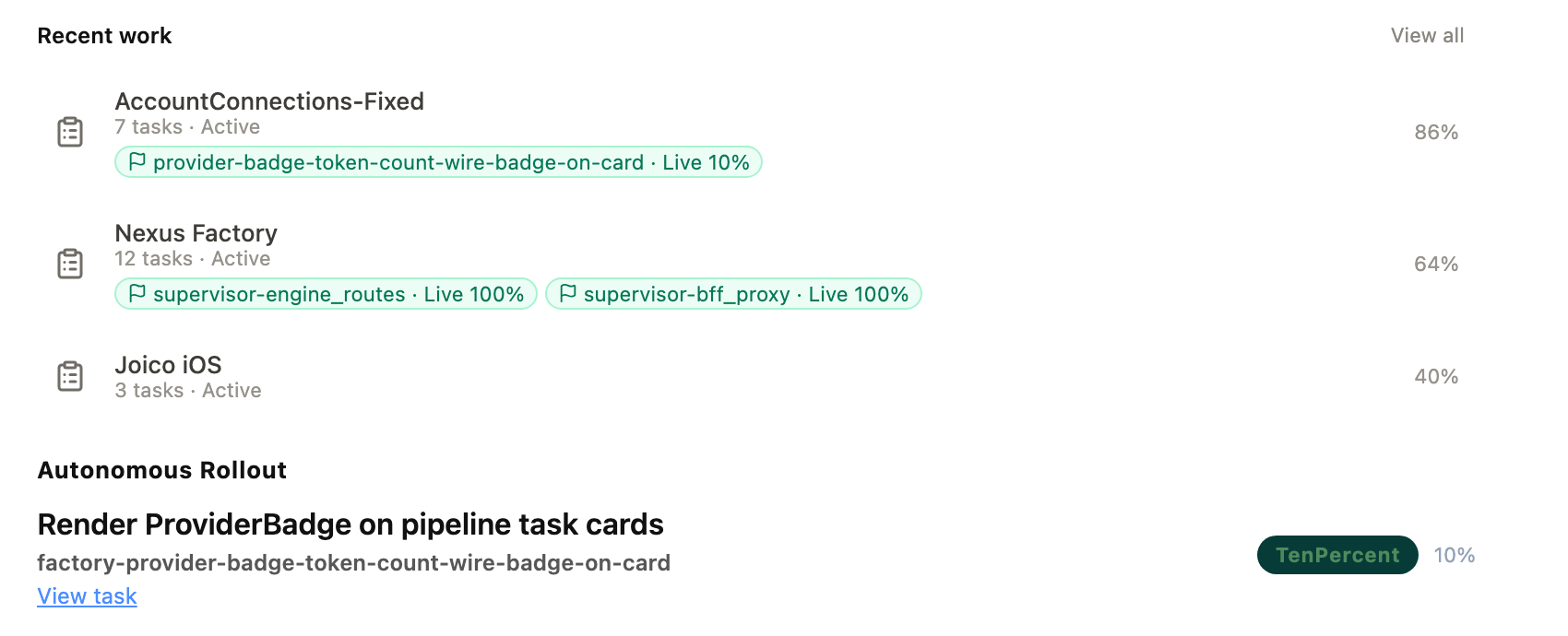
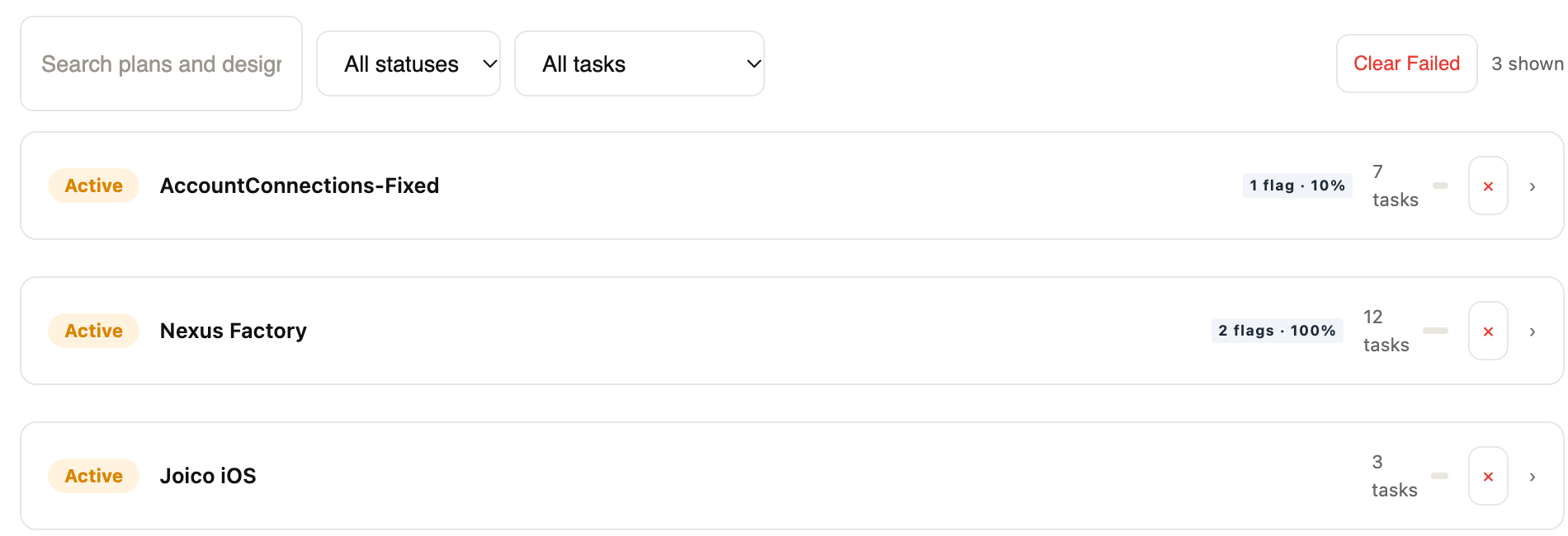
Overview. Recent work with its flags, and every flag that is mid-rollout. Sample data.Tasks. How many flags each task uses, and how far they are. Sample data.Task detail. Each flag next to the code that created it. Sample data.
How a rollout decides
Two inputs, four outcomes
Health
Wait at this step over?
Factory does
Healthy
Yes
Advance one step: 1% → 10% → 50% → 100%
Healthy
No
Hold
Regressed
Either
Roll back to 0%
Not enough data
Either
Hold. It never acts on missing data.
What it measures
Your app's error count divided by its request count, from CloudWatch. Error rate only today, not latency.
A recent window, 5 minutes by default. Each step then waits before the next, 1 hour by default.
When the metric is tagged by flag and variation, users on the new code are compared with users still on the old code.
When it rolls back
The new code's error rate is above 5%, or more than 20% higher than the old code's. Rates under 0.1% are treated as noise.
It needs at least 200 requests on the new code in the window to judge. Below that it holds, so a 1% step on a quiet app waits for traffic.
If the old-code group has under 200 requests, only the 5% limit applies.
If the metric is not tagged by flag, it can't tell which change caused a spike, so it holds instead of rolling back.
Every number here is set per project.
What is real today
Live, beta, and next
Results from our own project, Nov 6–17
Flags create themselves. The factory creates each flag OFF and tags it with its requirement and task before the code merges. No one writes flag code or clicks Create.
9 rolled out through all four steps to 100% on the factory's own decisions, a few minutes per step. Our test setup waits 1 minute per step.
12 were rolled back at once on Nov 12, when a short spike of server errors (3 of 42 requests) hit our shared load balancer. That signal was not tied to any one flag, so we changed the rule the same day: without per-flag data the factory now holds instead.
Live
Flag created OFF and tagged with its requirement and task, before merge
Flags on the overview, the task list, and each task
Cleanup of retired flags
Kill switch: turn the flag off in LaunchDarkly
Beta, opt-in per project
Automatic rollout and rollback on health
A regression opens a fix requirement
Roadmap, not shipped
Hand the rollout to LaunchDarkly's release automation (guarded rollouts, Release Autopilot)
Guarded Releases for the apps the factory builds for clients
In Settings (or per project), add your LaunchDarkly client-side ID, environment, and default project key. A management API token and server SDK key are stored as secrets, never shown back.
2
Turn on "Use LaunchDarkly for this project" in the project form.
3
For health-gated rollout, emit error and request metrics to CloudWatch tagged with FlagKey and FlagVariation, and configure the project health metric.
4
Start the guarded rollout by setting the flag to 1% in LaunchDarkly; the factory takes it from there.